
Pricing and scheduled sales
Bulk edit Shopify prices without flying blind
Change prices by a fixed value, amount, percentage, cost, or compare-at price. Add retail rounding, inspect every proposed value, schedule the run for a sale window, and undo the app-native edit when the promotion ends.
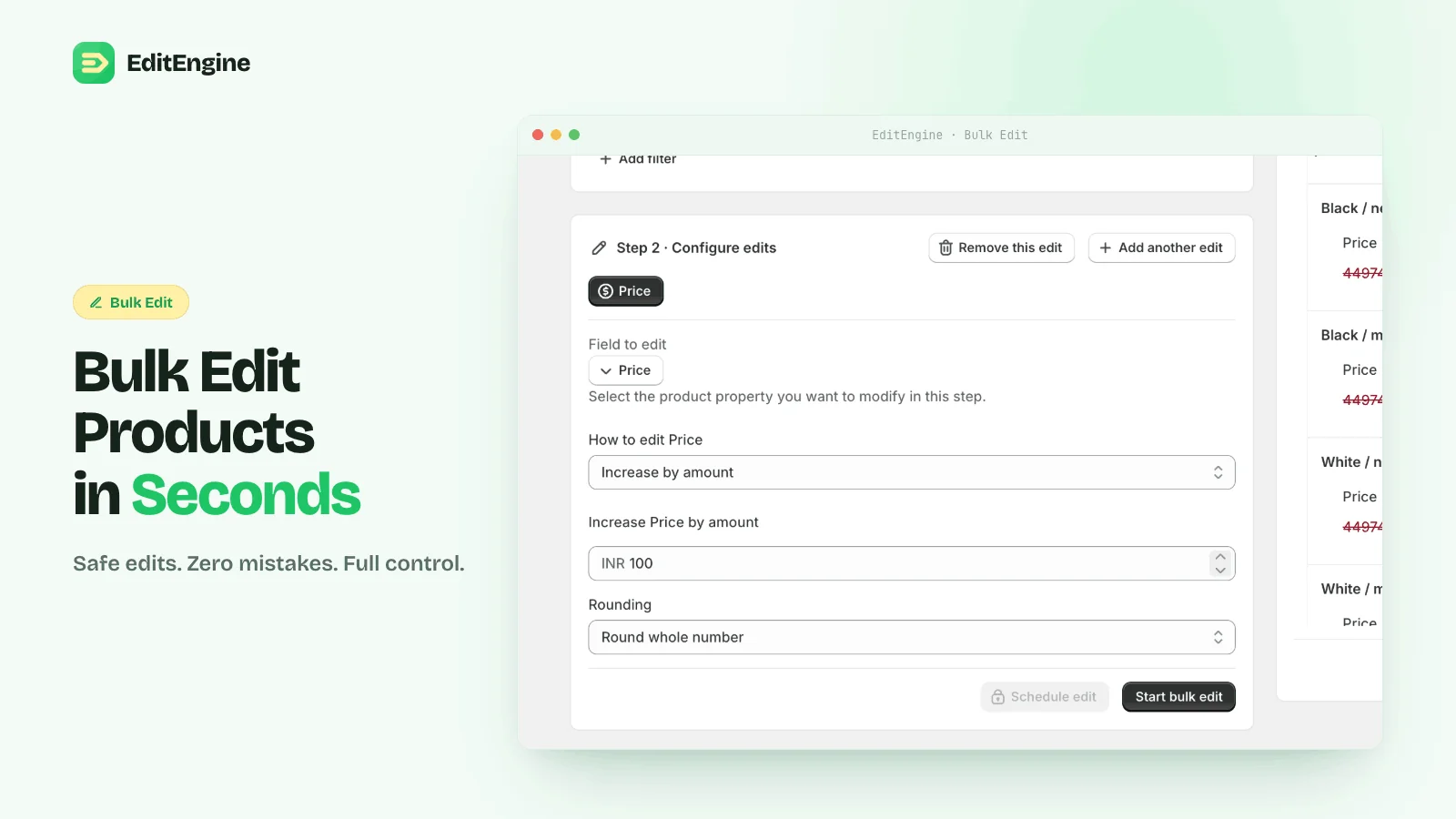
Price operations
Use the rule that matches the merchandising job
The transformation is applied once per matched variant. Percentage changes are not idempotent: running the same 10% increase twice compounds it. The preview and History page exist to catch that.
Set a fixed price
Write one price across a filtered set, with optional dynamic values.
Increase or decrease
Apply a fixed amount or percentage and preview the result per variant.
Price from cost
Set price as a percentage of cost; variants without cost are skipped.
Price from compare-at
Calculate the selling price from the original price and preserve the sale anchor.
Round after the math
End prices in .99, .95, .90, a custom ending, or a whole number.
Clear a price
Set price to blank only when taking a variant off sale is intentional.
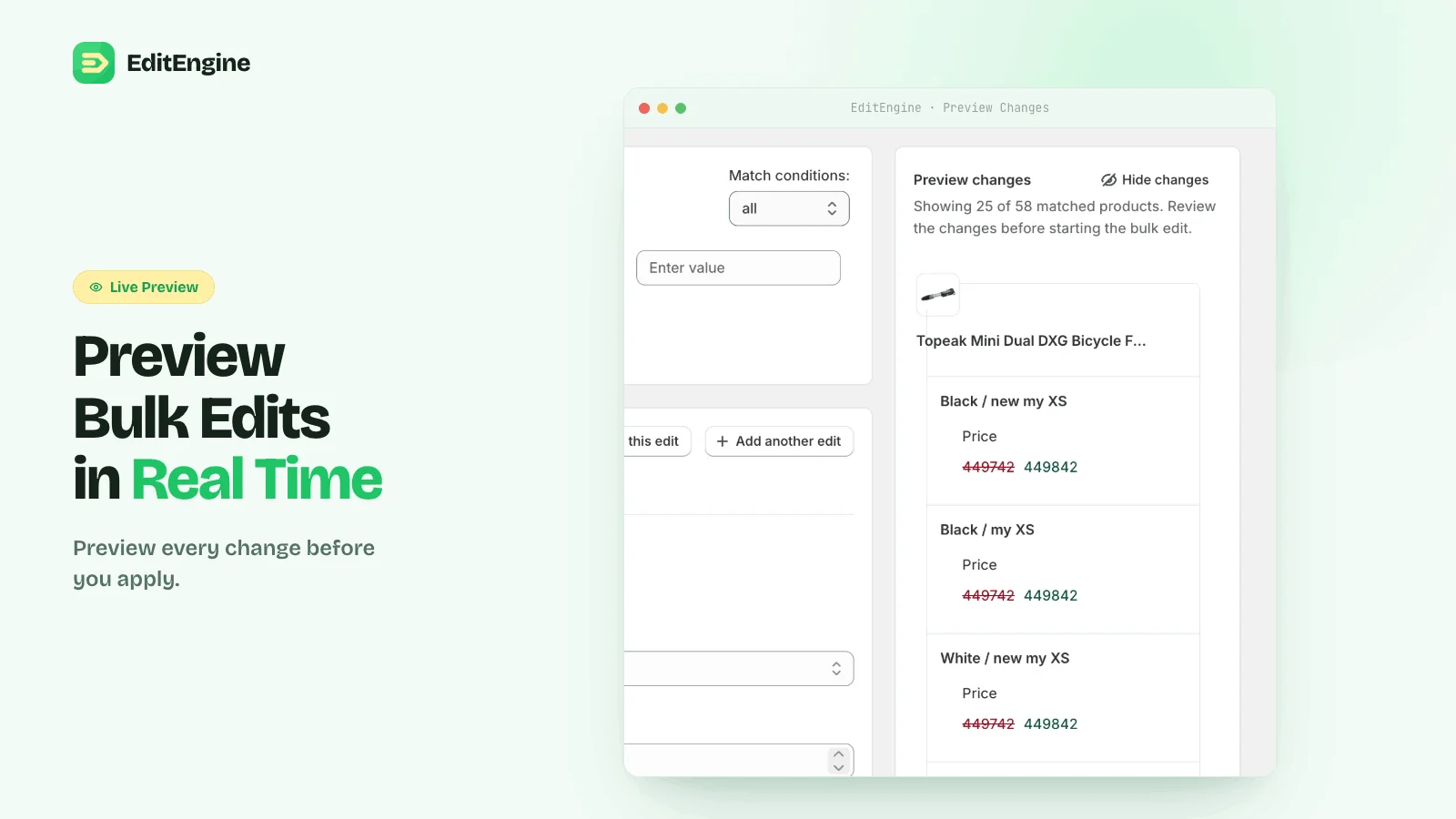
Before the sale
Preview the discount, including compare-at price
Shopify sale pricing uses the active variant price and a higher compare-at price. EditEngine can move the current price into the compare-at field while writing the lower sale price in the same run. Scan the preview for zero prices, missing cost or compare-at values, and rounding that produces an unexpected ending.
Shopify’s sale-pricing rules →1. Filter the sale set
Match a collection, vendor, product tag, status, inventory condition, or a combination. Avoid “all products” unless that is genuinely the sale.
2. Configure and schedule
Choose decrease by percent or amount, optionally copy current price to compare-at, add rounding, then select the run time. Scheduling is available from the Standard plan.
3. End the promotion
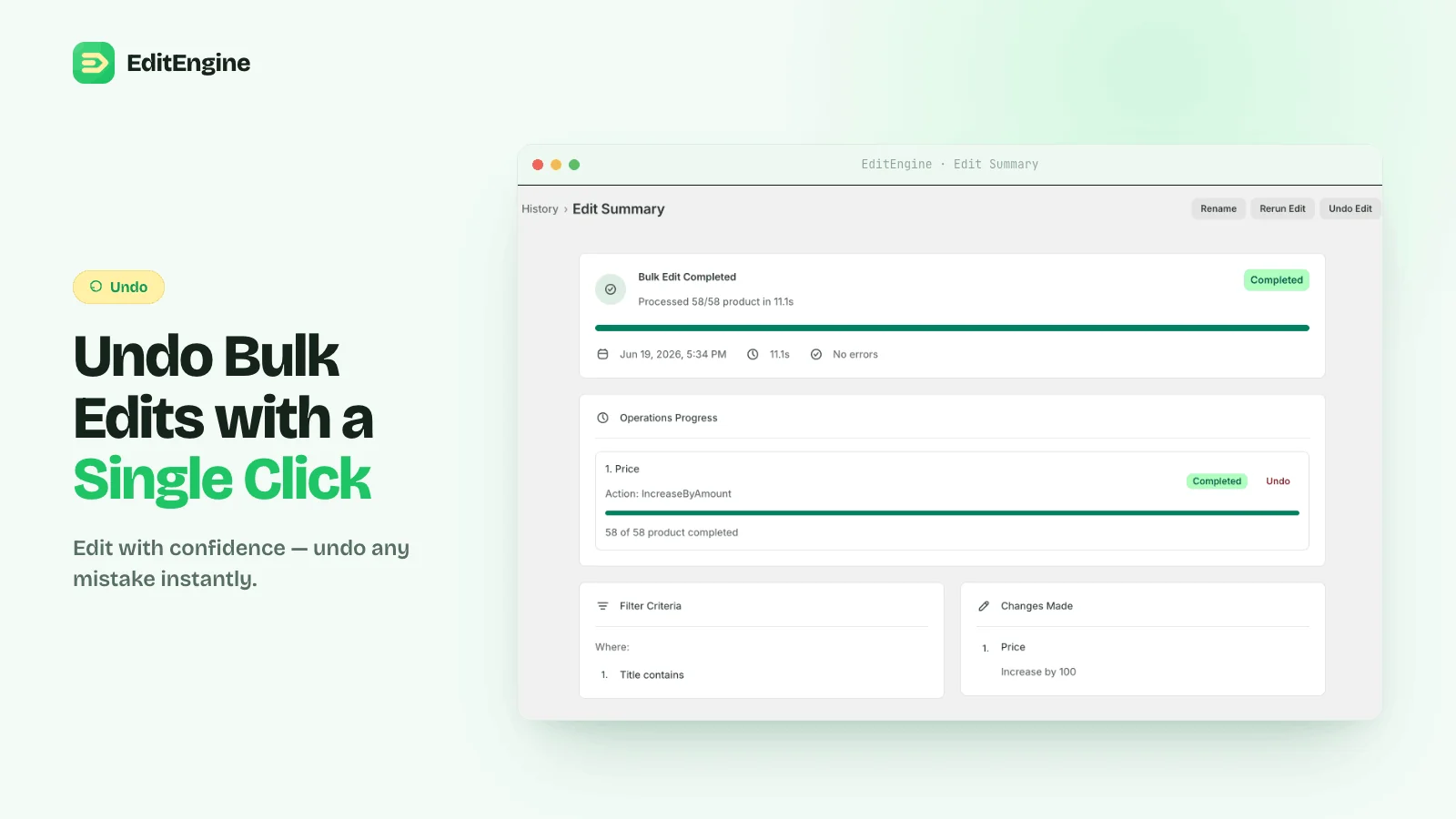
Open the completed run in History and use Undo to restore the app-native price changes. If you used CSV instead, re-import the untouched pre-sale export.
After the sale
Revert the operation, not a spreadsheet guess
The run summary records the filter, the price operation, completion status, and affected products. Undo reverses the completed app-native run. That is safer than reconstructing old prices from memory or applying the inverse percentage, which does not restore the same value after rounding.
Pricing workflows
Bulk edit price in the app
Every operation, rounding mode, skip rule, preview, and undo behavior.
Build sale pricing in a spreadsheet
Move price to compare-at, calculate row-specific markdowns, and import safely.
Mark up from cost
Calculate margins from cost values across product variants.
Round prices to .99 or .95
Normalize retail endings after a price change or currency conversion.
Test the pricing rule on a few variants
Use the live preview to verify the math and rounding before the first price change goes live.