
The Shopify bulk product editor built for safe changes
Filter thousands of products, stack price, tag, inventory, SEO, or metafield edits, then inspect the result before anything goes live. Run now, schedule it, or undo it from history.
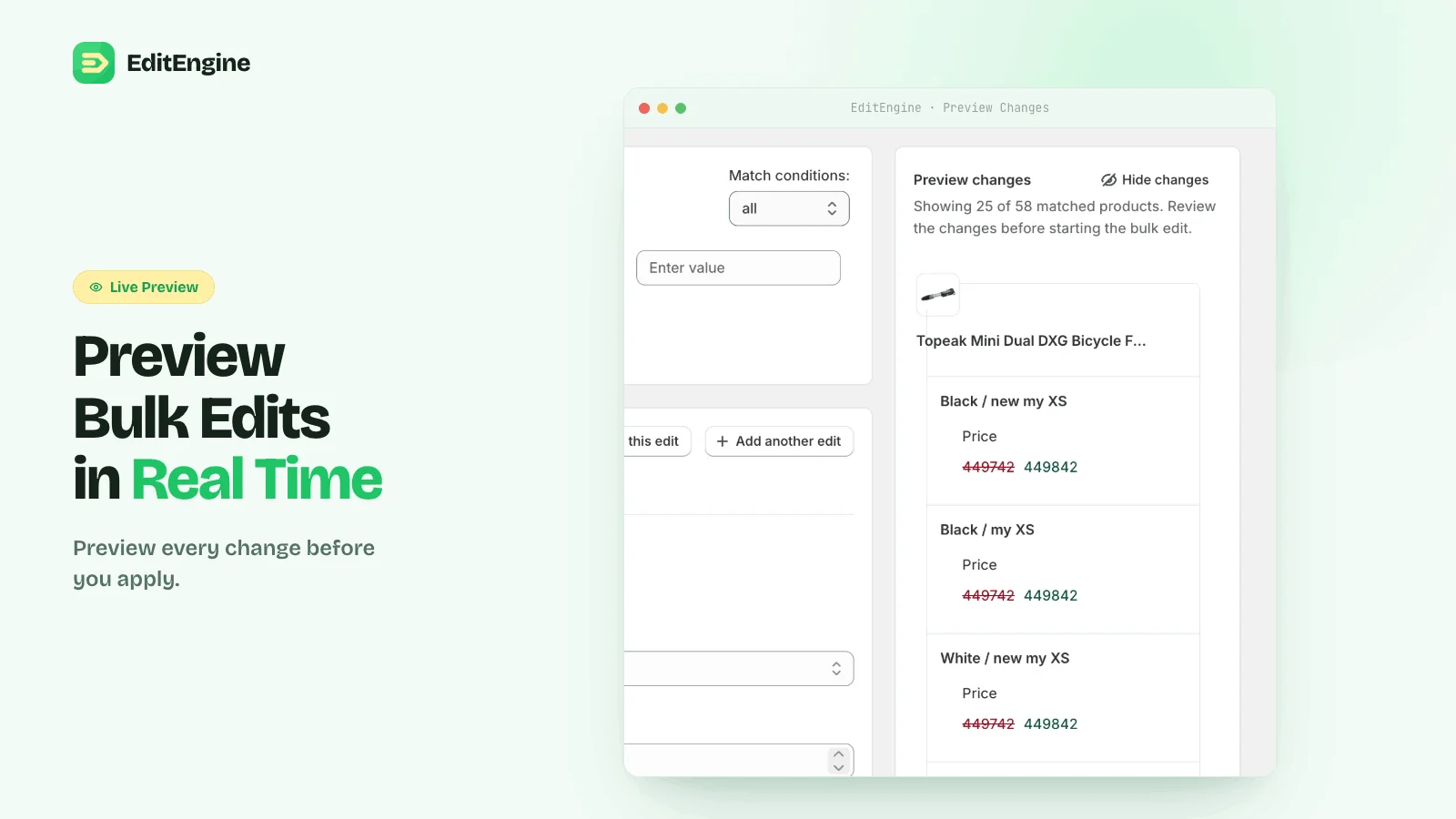
- ✓Preview every change
- ✓Schedule sales
- ✓Undo from history
Free plan: unlimited tasks, up to 100 products per task, with import, export, and undo.
800 products updated in minutes
Verified Shopify review · Trollbeads Benelux
Used to edit more than 1,000 products
Verified Shopify review · CO-WALK
Repetitive catalog work significantly reduced
Verified Shopify review · Beauty Corner
Everything you need to run your catalog
Filter, preview, and run edits in the app, or import and export spreadsheets
Bulk Edit
Filter your catalog and stack changes across thousands of products and variants in a single run.
How to bulk edit pricesSchedule Edits
Queue price drops, tag swaps, and launches to run at the time you pick.
Run a sale markdownUndo & History
Every in-app run is logged in History, and supported edits can be rolled back from there. Deletes are permanent.
How to bulk edit tagsCSV Import
Upload a CSV or XLSX file to update products, variants, and metafields.
Create products from a spreadsheetCSV Export
Export filtered products with only the columns you pick, for an audit or a backup before a big change.
Bulk edit SEO descriptionsMetafield Support
Bulk-edit product and variant metafields, including custom namespaces
How to bulk edit metafieldsHow it works
Three steps from filter to applied change.
- 1
Filter
Narrow down by collection, vendor, tag, status, inventory, or any combination.
- 2
Preview
Stack edits and see exactly what each product will look like before you commit.
- 3
Apply or schedule
Run the edit now, or schedule it for a launch window. Undo supported edits from History.
Looking for something specific?
Search guides, field references, and step-by-step tutorials.
Find the right path
Choose a starting point for guides, references, workflow comparisons, or support.
Ready to clean up catalog work?
Install EditEngine free. Start with a few products, import a CSV, or schedule a larger run when you're ready.